How to create new block categories (for automations in Shortcuts) [iOS]
Sometimes, it can be useful to have different block categories except for the Default App Group in Shortcuts. This is not directly possible in the app yet, but we have here a workaround for you.
For example, if you want to start block sessions with automations like our workaround for the Phone Free Morning not working, this could come in handy.
To address certain apps or specific app groups in Shortcuts, you can create and name new block categories by creating a new block schedule in one sec.
Create a new block category
Open the one sec app, select Customize, scroll to Recurring Blocks, tap it and create a new schedule. Set it to never active.
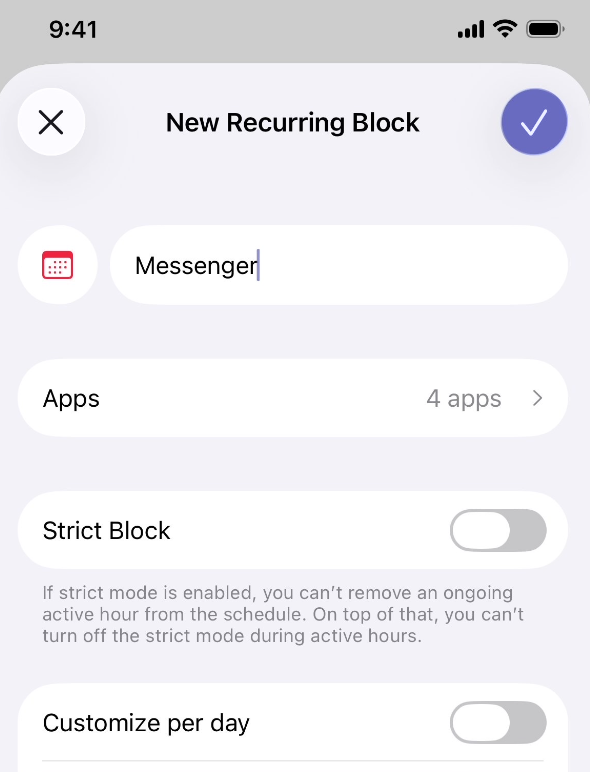
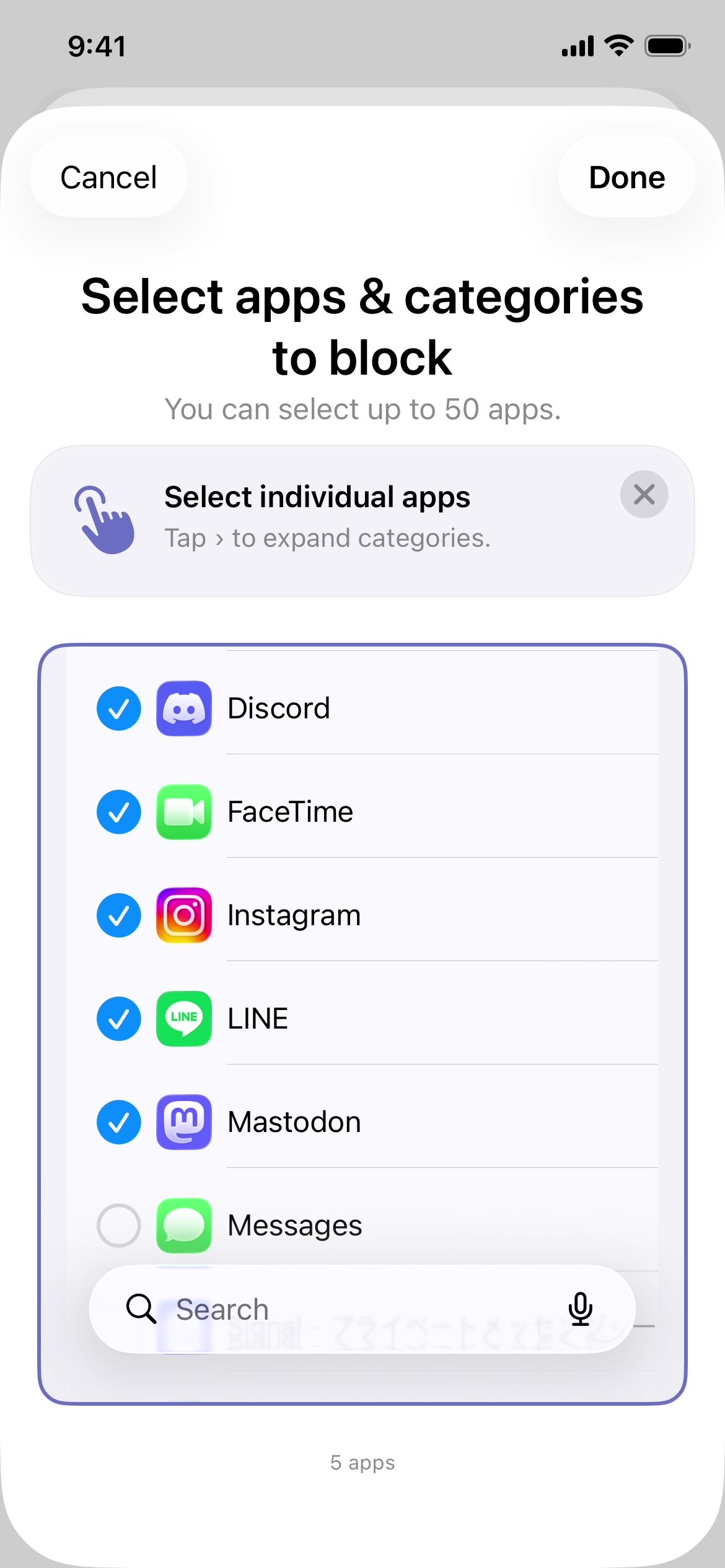
Give it a name like “Messenger” or “Good Morning”, choose the apps you want to block in the screen time picker, tap Done – and at the end tap “Checknote” sign.
How to set up an Block apps automations with your own category in Shortcuts
If you open Shortcuts now and add the "Start Block Session"-Command (Start Block Session for [Group Name] for [X] [time], and allow pauses inbetween) to an automation, you can now tap on Default Apps and Categories...
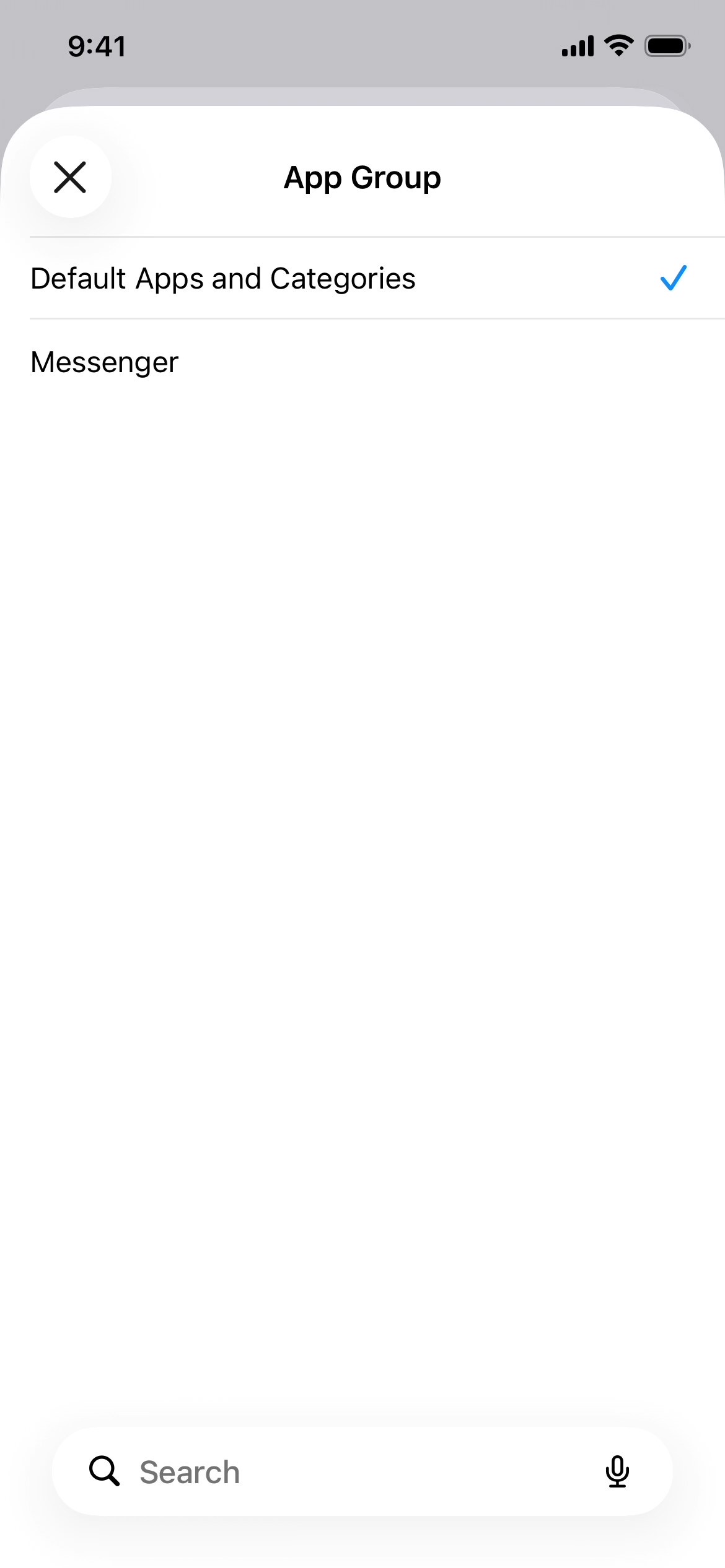
... and Shortcuts should show you now also your newly created own category.