Initial Shortcuts Setup on iOS 27+
On iOS, one sec relies on so called "Shortcuts Automations" to trigger interventions whenever you open distracting apps.
With iOS 27, Apple has finally introduced installing Automations automatically.
So you no longer have to manually set up one sec’s automations yourself:
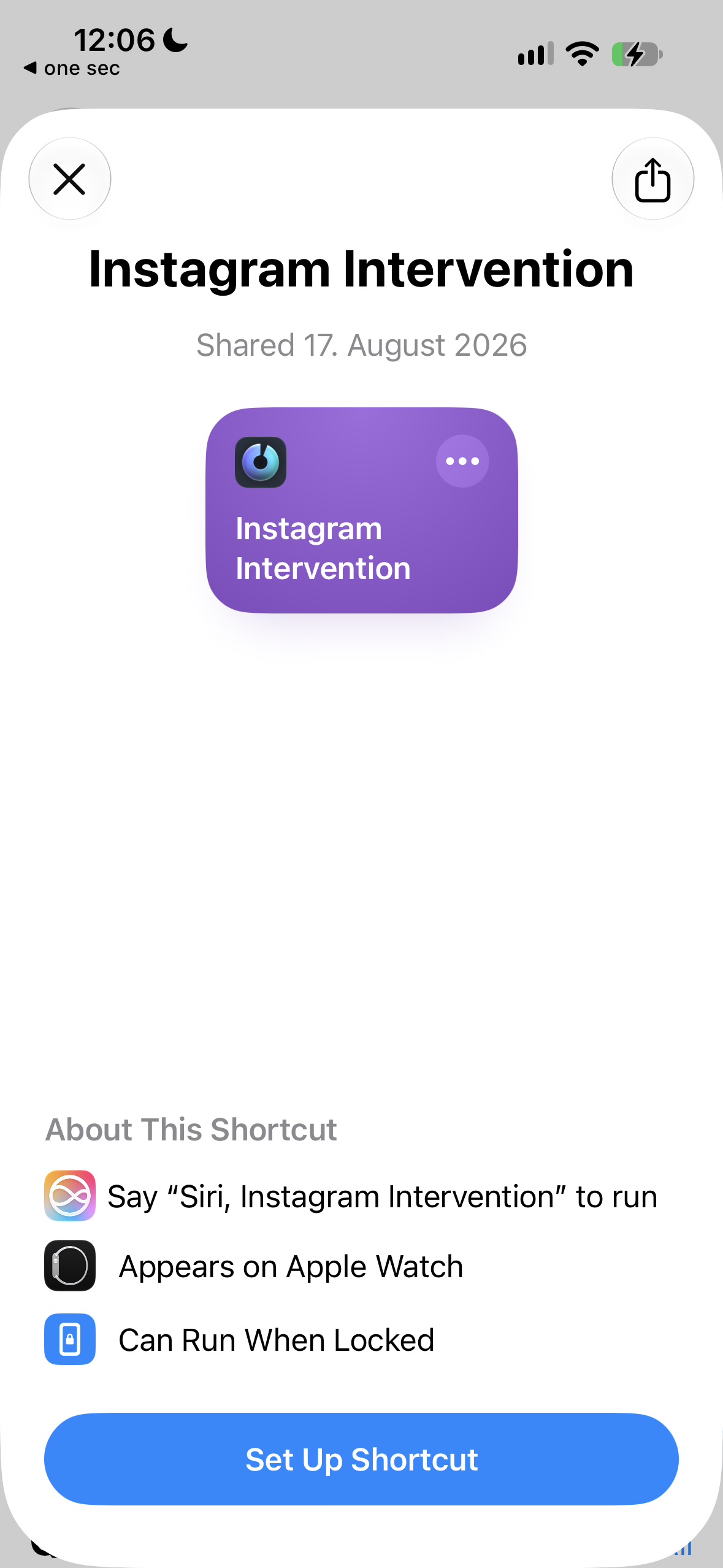
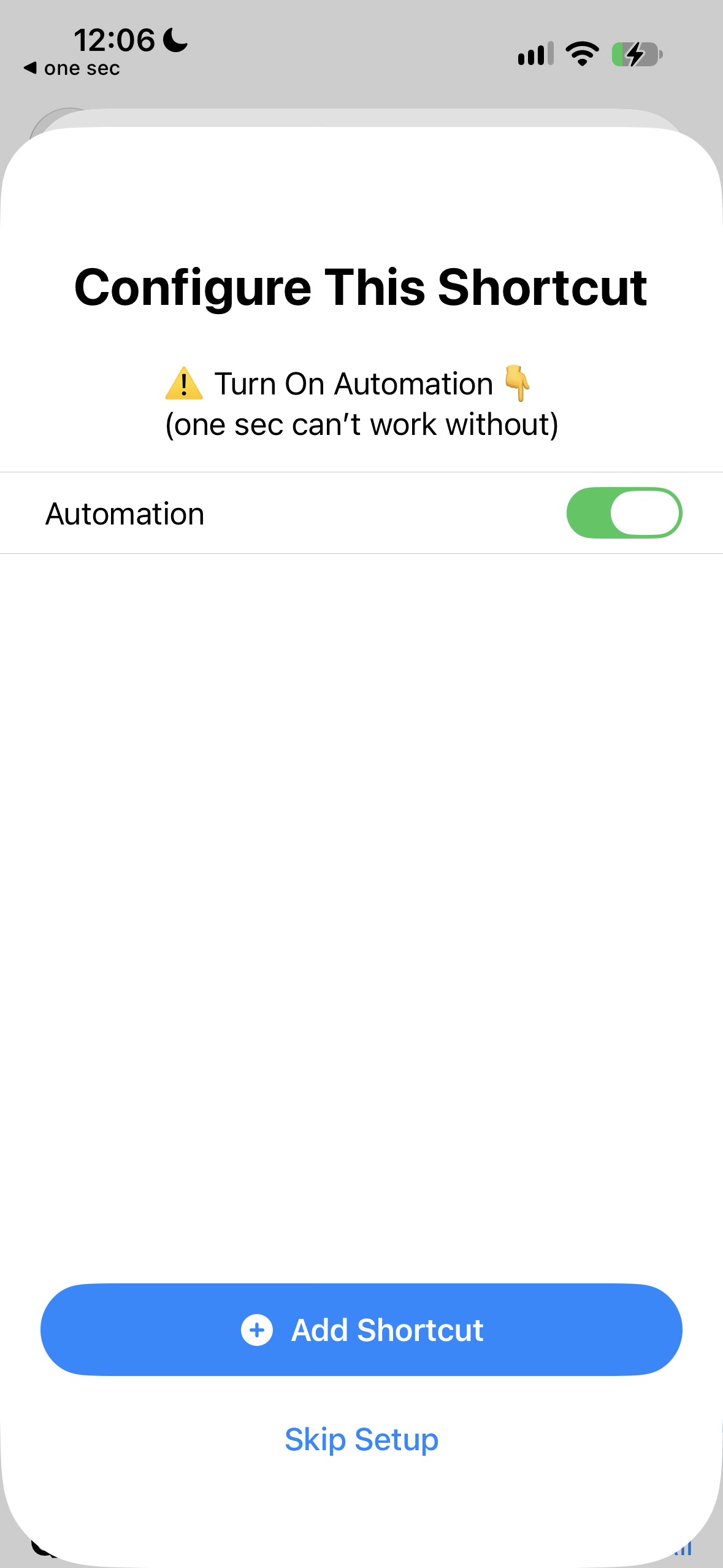
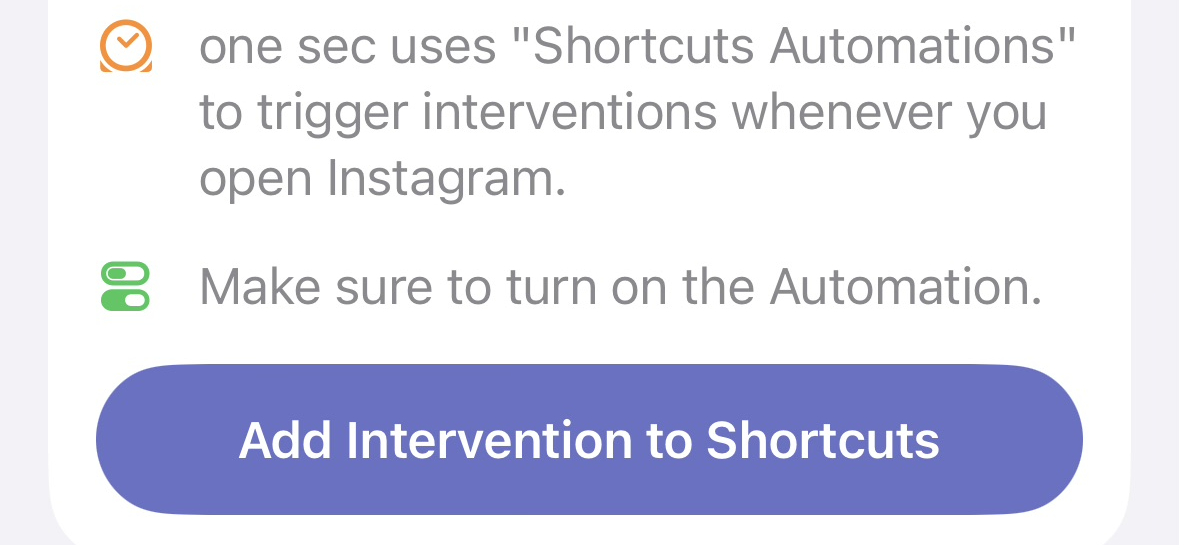
Simply tap on "Add Intervention to Shortcuts", enable the automation inside the import flow, and tap "Add Shortcut":
On one sec’s Overview page tap + → App to add a new app to be intervened.
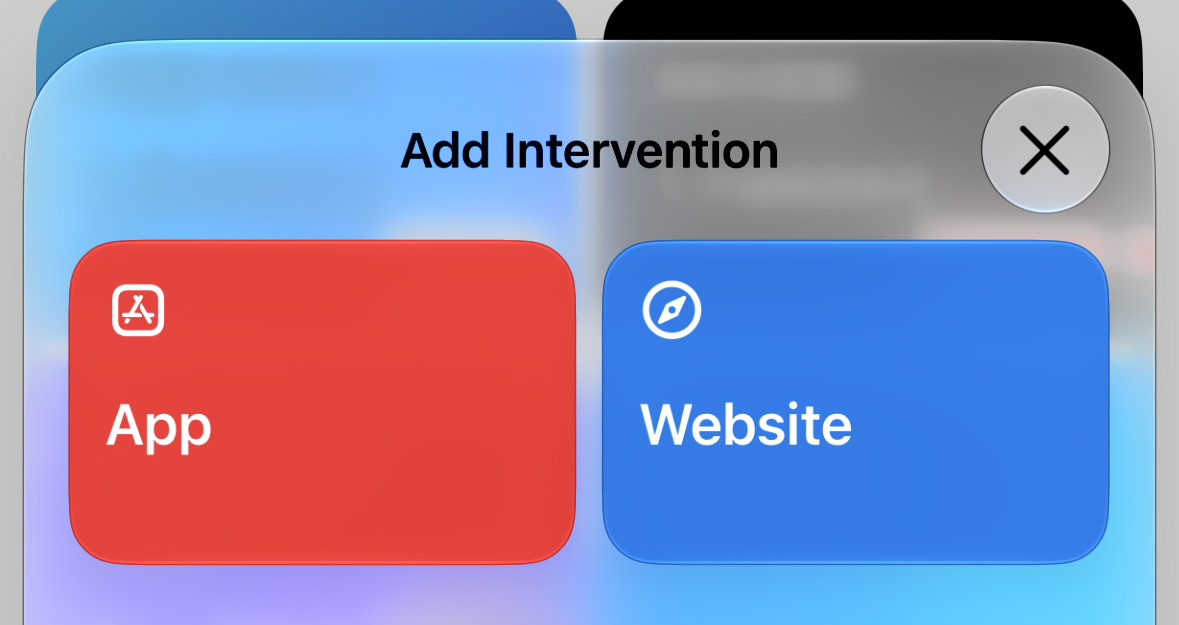
Search for the app you’re looking to add, e.g. Instagram and select it from the list.
Select which intervention mode you want to set up:
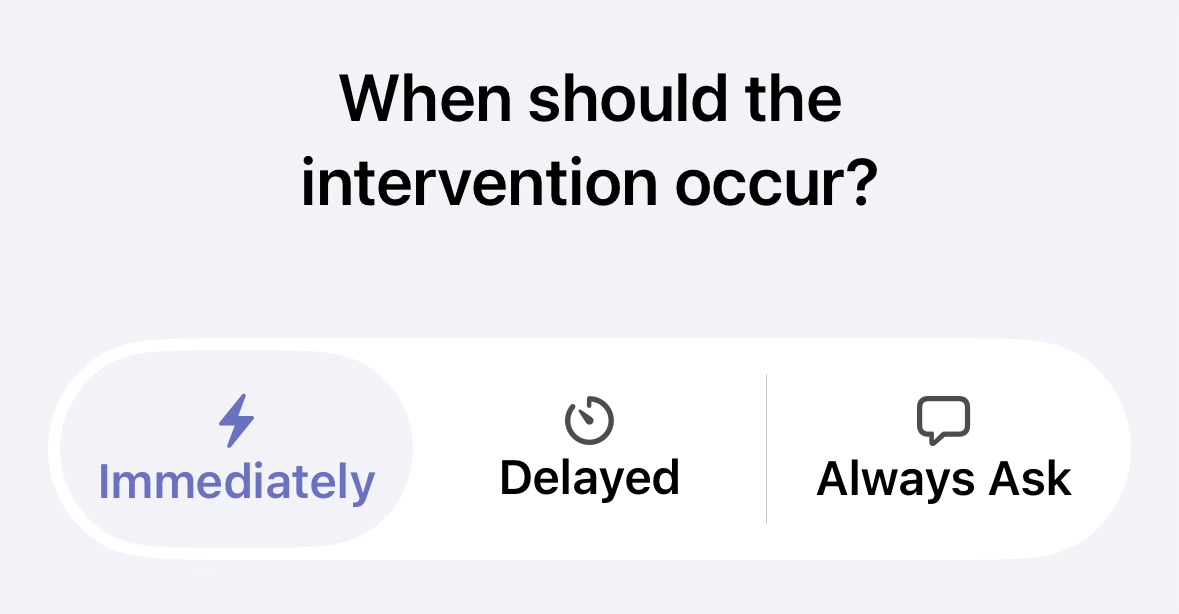
Immediate Interventions trigger when you open the target app.
Delayed Interventions allow you very short usage (e.g. 3 minutes per hour), only after you’ve reached that limit you’ll be prompted to go though an intervention to unlock more time.
Always Ask Interventions work like Delayed Interventions, but don’t have a fixed limit. They ask you every time you open an app how much time you’d like to spend.
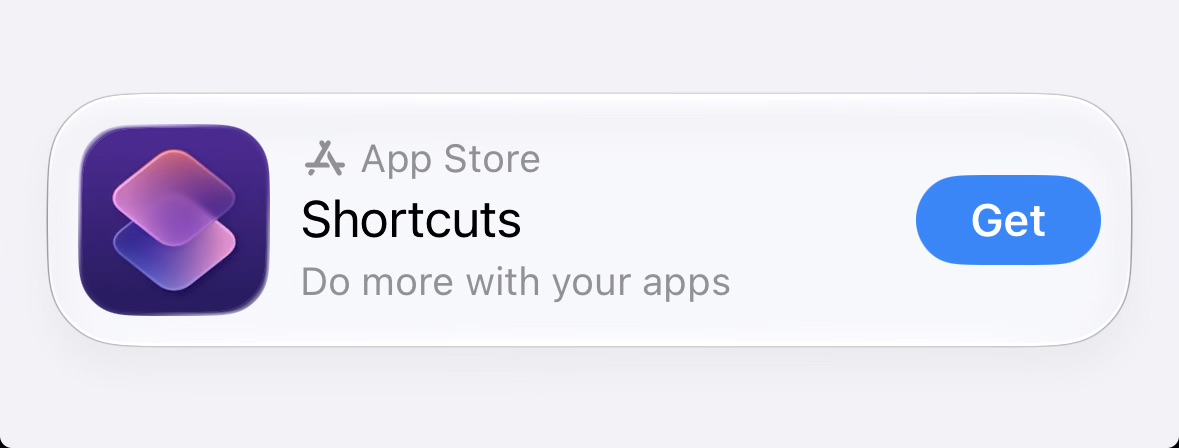
If you don’t yet have Apple’s free Shortcuts app installed, you will be prompted to do so. Tap on Get on the App Store banner at the bottom of the screen to proceed.
Once the Shortcuts app is detected, tap Add Intervention to Shortcuts.
Follow the import dialog inside Shortcuts:
You might need to select your target app inside the import flow again (for apps that are not pre-configured by the team).
Don’t forget to ⚠️ Turn on the Automation inside the setup flow.
In case the Add Shortcut button doesn’t work in the last step, you can press on Skip Setup as a workaround. This is a known issue which we have reported to Apple early on during the beta cycle of iOS 27: FB24252363. However, until now, it has not been addressed.